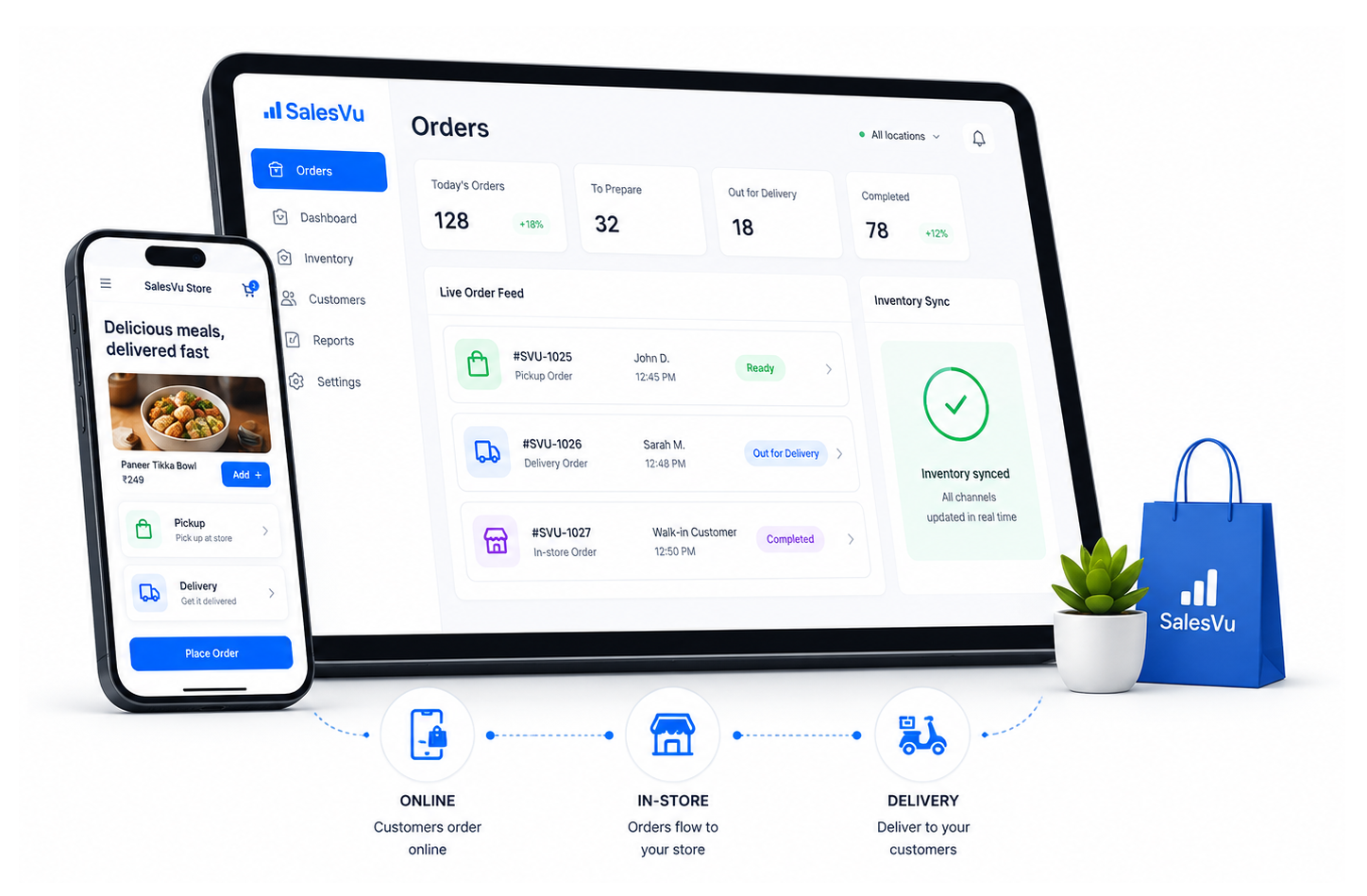
Do I have to maintain two separate menus/catalogs?
No. Your eCommerce site pulls directly from your SalesVu POS catalog. You manage everything from one place.
Can I offer different pricing online vs in-store?
Yes, you can set channel-specific pricing to account for delivery fees or online promotions.
How do online orders appear in the store?
They flow directly into your standard POS workflow, printing to the kitchen or alerting the fulfillment counter just like an in-person order.
Is this module included with SalesVu, or do I need a separate plan?
It is part of the SalesVu platform. Your account team can confirm what is bundled in your specific plan and whether any optional modules apply to your setup.
Does it require new hardware?
Generally no — it runs on the same iPads, terminals, kiosks, scanners and printers most SalesVu accounts already use. Your account team can confirm peripheral compatibility for your setup.
How long does it take to get started?
Most operators are live during their onboarding plan. Multi-location and multi-concept rollouts run on a per-site schedule with your account team.
Does it work across multiple locations?
Yes. SalesVu is built multi-location, with per-location configuration and a rolled-up corporate view for owners and regional leads.
Where does this module get its data?
From the SalesVu data layer — POS, eCommerce, Inventory, CRM and loyalty — so every module reads from the same operational source of truth.
Will anything send or change without my approval?
By default, drafts and recommendations require a human approval step. You can later opt in to auto-actions for specific recurring workflows once you trust the outputs.
Does this work for restaurants and retail or just one?
Both. SalesVu is one platform across retail, restaurants, salons, studios, venues and grocery, so the same module fits whether the SKU is a t-shirt, an entrée, a service or a class.
Does eCommerce share inventory with my in-store POS?
Yes. There is one inventory record across in-store and online. When an item sells at the counter, the eCommerce listing updates in real time, and vice versa.
Can I run pickup and local delivery?
Yes. Pickup and local delivery are first-class options alongside shipping, with one customer record across all of them.
Do I need a separate site builder?
No. SalesVu includes a website builder so your storefront, catalog and checkout live on the same platform as your back office.
Does eCommerce work with the AI Workforce?
Yes. The Recommendation Agent, Smart Upselling Agent, Guided Buying Agent, Listing Enrichment Agent and Discovery Agent all act on the eCommerce surface.
What do the Website Builder AI Recommendations do?
Out-of-the-box widgets render You Might Also Like, Similar Products, Frequently Bought Together, Past Purchases, Trending Now, New Additions and Best Sellers across the storefront. Owners get the merchandising lift of a full personalization platform without integrating one.
What does Online Order Throttling do?
Caps how many online orders the kitchen accepts per time slot so a Friday-night surge doesn't crush prep. The dining room and the takeout queue both stay on time and 1-star 'cold food' reviews drop sharply.
What does Time Slot Selection for Dine-In Orders do?
Let online guests pick the exact slot they'll dine in, which the host stand sees alongside walk-ins. Restaurants smooth out covers across the night instead of getting slammed at 7 pm.
What does Payment Page Timeout do?
Auto-cancels abandoned checkouts after a configured window so inventory doesn't sit reserved. Owners stop overselling on tight-stock SKUs during peak online traffic.
What does Wishlist on eCommerce do?
Customers save items for later, creating a high-intent signal you can re-target with email or back-in-stock alerts. Converts browse traffic into recoverable revenue.
What does Abandoned Order Recovery do?
Surfaces orders that started checkout but didn't complete, with the customer attached when known. Lets you trigger automated win-back emails or staff phone calls to recover otherwise-lost revenue.
What does Discount Codes as Payment do?
Let promo codes and store credit count as a payment method at online checkout. Increases promo redemption without manual intervention and keeps house-credit accounting clean.
What does Loyalty Point Payment Online do?
Customers redeem loyalty points at online checkout, not just in store. The program drives behavior in both channels instead of going stale online.
What does Newsletter Signup at Checkout do?
Capture marketing opt-in on the order confirmation, with consent stored on the customer record. Every order quietly grows your highest-converting marketing list.
What does Print Online Orders Automatically do?
Online orders auto-print to the kitchen or fulfillment station the second they're placed — no one has to babysit the iPad. Tickets stop getting missed during a rush.
What does Configure Custom Fields on Printed Receipts for Online Orders do?
Add any field (delivery instructions, allergen flags, gift message) to the printed kitchen ticket. The line cook gets the context they need without staff retyping it.
What does UPS Shipping Configuration do?
Connect a UPS account so shipping rates calculate live at checkout and labels print from your back office. Ship-from-store works without a separate shipping app.
What does SEO Setup and Google Analytics Tracking do?
Built-in fields for meta tags, sitemap, and a Google Analytics tracking ID get your storefront crawled and measured from day one. You don't need a developer to be discoverable in Google.
What does OrderUp QR / Self-Order do?
Branded self-order experience for table or counter ordering, with the same AI recommendation widgets as the website. Average ticket grows because the kiosk always upsells consistently — your best server doesn't.
What does Chowly Menu Sync do?
One-way menu sync from SalesVu to delivery marketplaces via Chowly so updates propagate automatically. Owners stop the weekly 'update DoorDash menu' chore and avoid mispriced items going live.
What does Domain URL Forwarding do?
Step-by-step guides for GoDaddy, Namecheap, Bluehost, Gandi etc. to point your domain at your SalesVu storefront. Your branded URL goes live without involving a web developer.